Your own layout & branding
Create professional bench cards in minutes
Create clear, consistent and data-rich bench cards for your full plant range, without rebuilding content by hand.
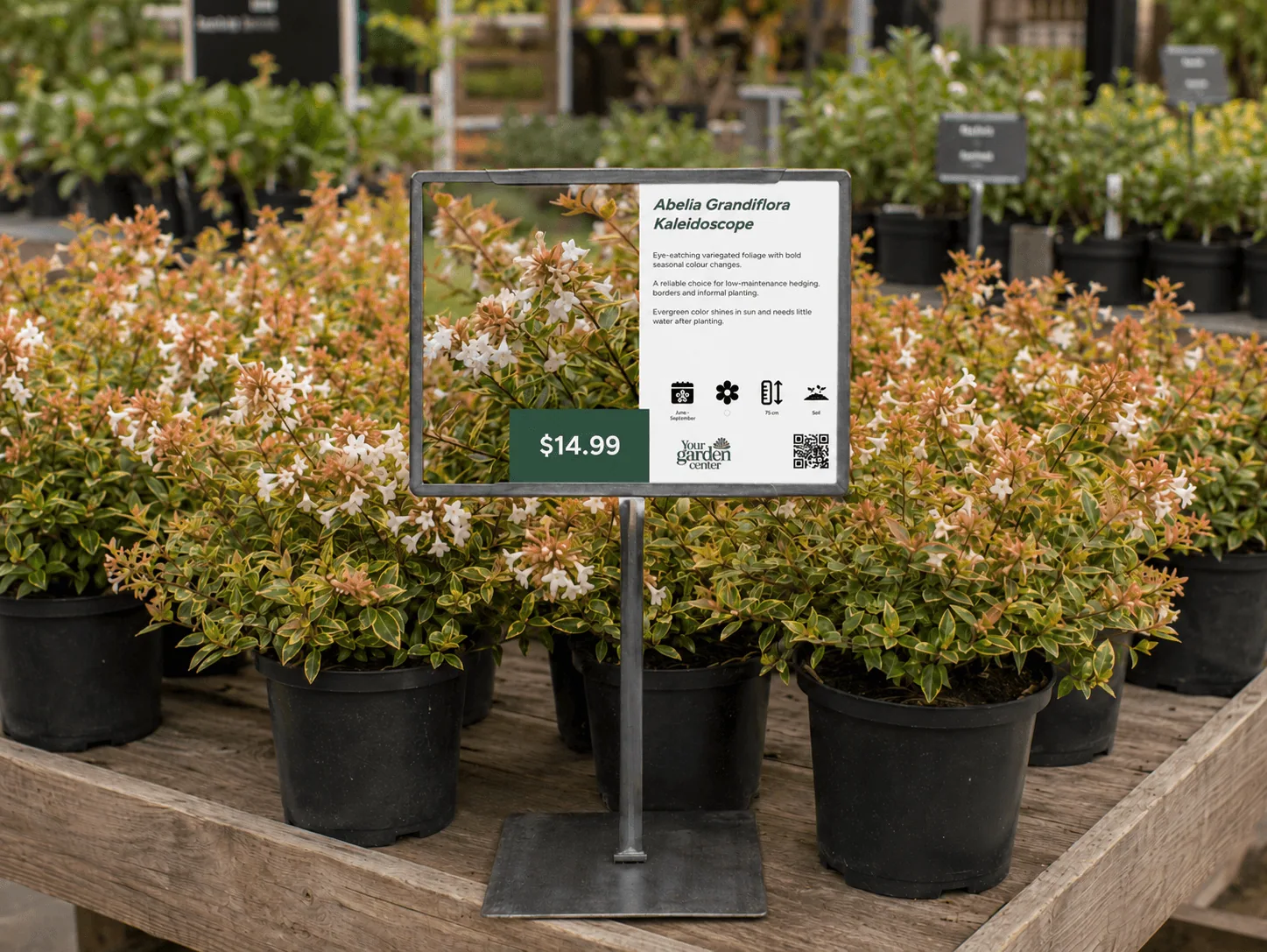
Bench cards made simple
Stop creating bench cards manually
Creating bench cards often takes too much manual work: finding the right photo, checking plant data and keeping the design consistent.
With Open Plant Data, you can design your own bench card layout with your colors, logo and branding. The plant photos, care details and QR-codes are then filled automatically from structured plant data, so you can create cards one by one, in batches or through the API.
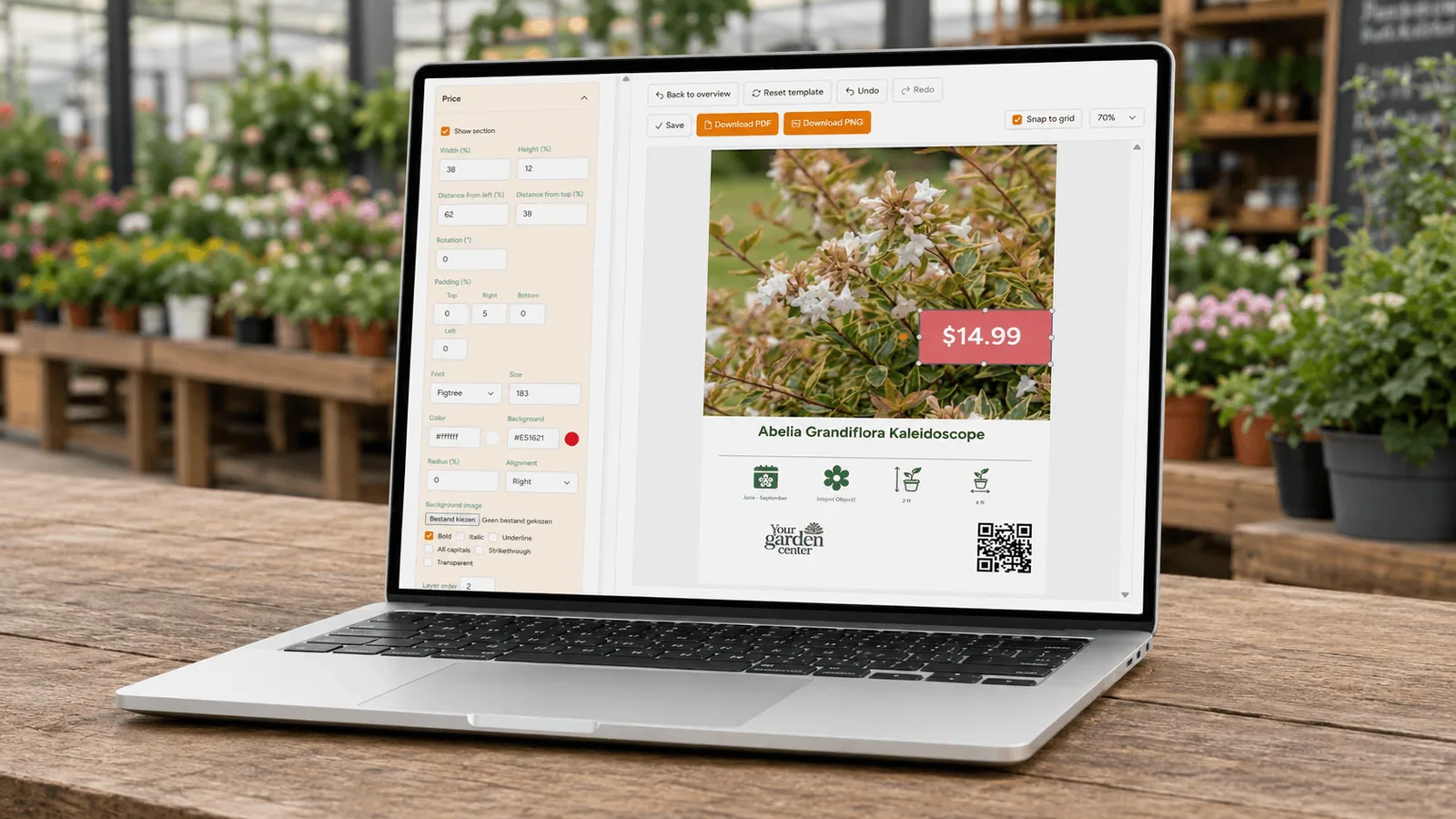
Plant Bench Cards within 4 steps
How it works
Create on-brand bench cards from your own plant range in just a few steps. Choose the plants, apply your design, add optional pricing or offers, and generate single cards or full batches whenever you need them.
01
Choose your plant range
Choose the plants you want to create bench cards for, from a single product group to your full assortment.
Houseplants
Trees
Shrubs
Perennials
02
Design your template
Build your own template or use ours. Full flexibility. Create designs per department/plant type.
Fonts
Colors
Data fields
Logo
03
Add pricing & offers
Optionally, you can add your own pricing & offers to the bench cards.
Discounts
Multi-buys
Offers
04
Single or batches
Generate a single bench card or hundreds of bench cards with a single click. Choose a design per plant-area.
Print-ready
QR codes
Shop floor
Bench cards with QR-codes
Keep printed bench cards simple, while QR-codes give customers access to deeper care information, more photos and your own plant finder or webshop.
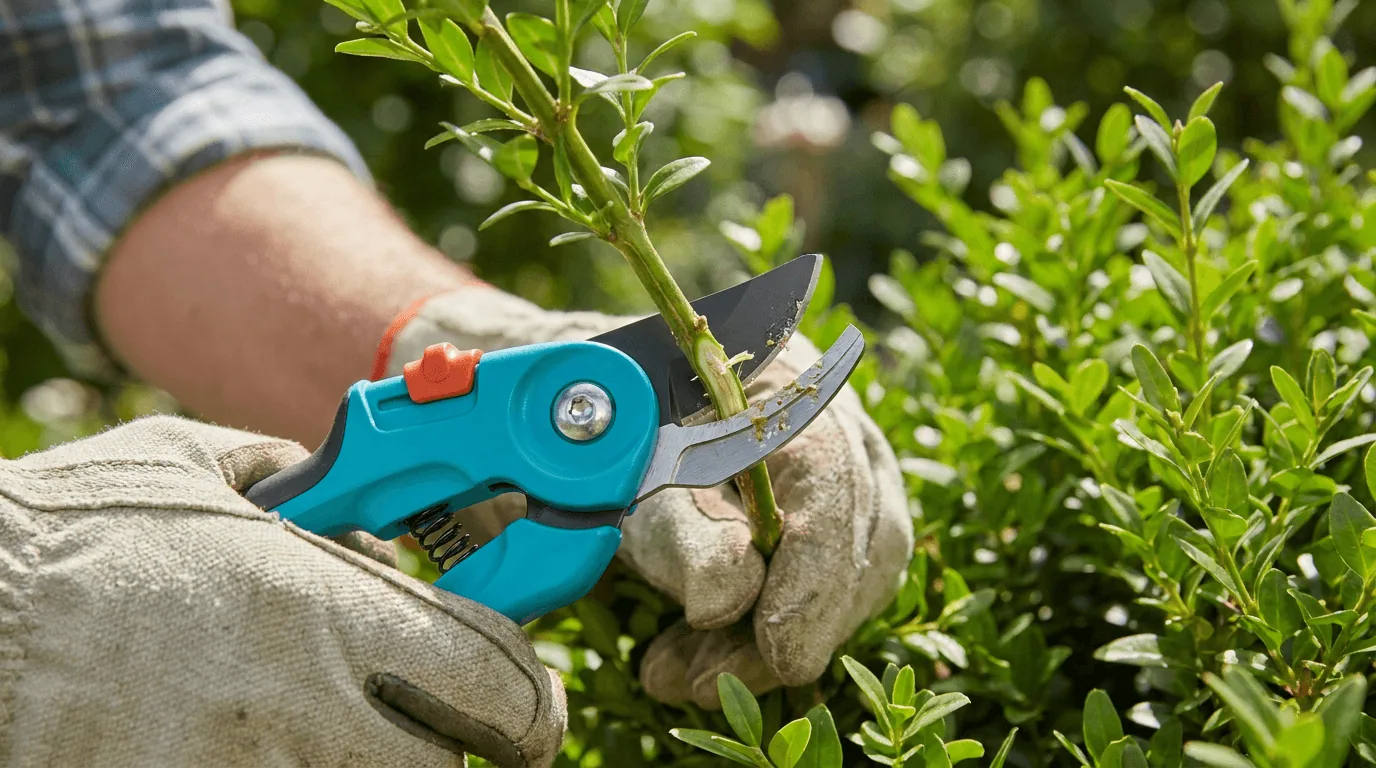
Care information
Keep the bench card clean, while giving customers access to deeper plant care information once they are at home, for years after buying the plant.
Watering advice · Light needs · Pruning tips · Flowering period · Seasonal care

Photos and inspiration
Show more plant photos of various stages, styling ideas and inspiration without overcrowding the printed card.
Extra photos · Plant combinations · Growth stages · Styling ideas · Seasonal displays
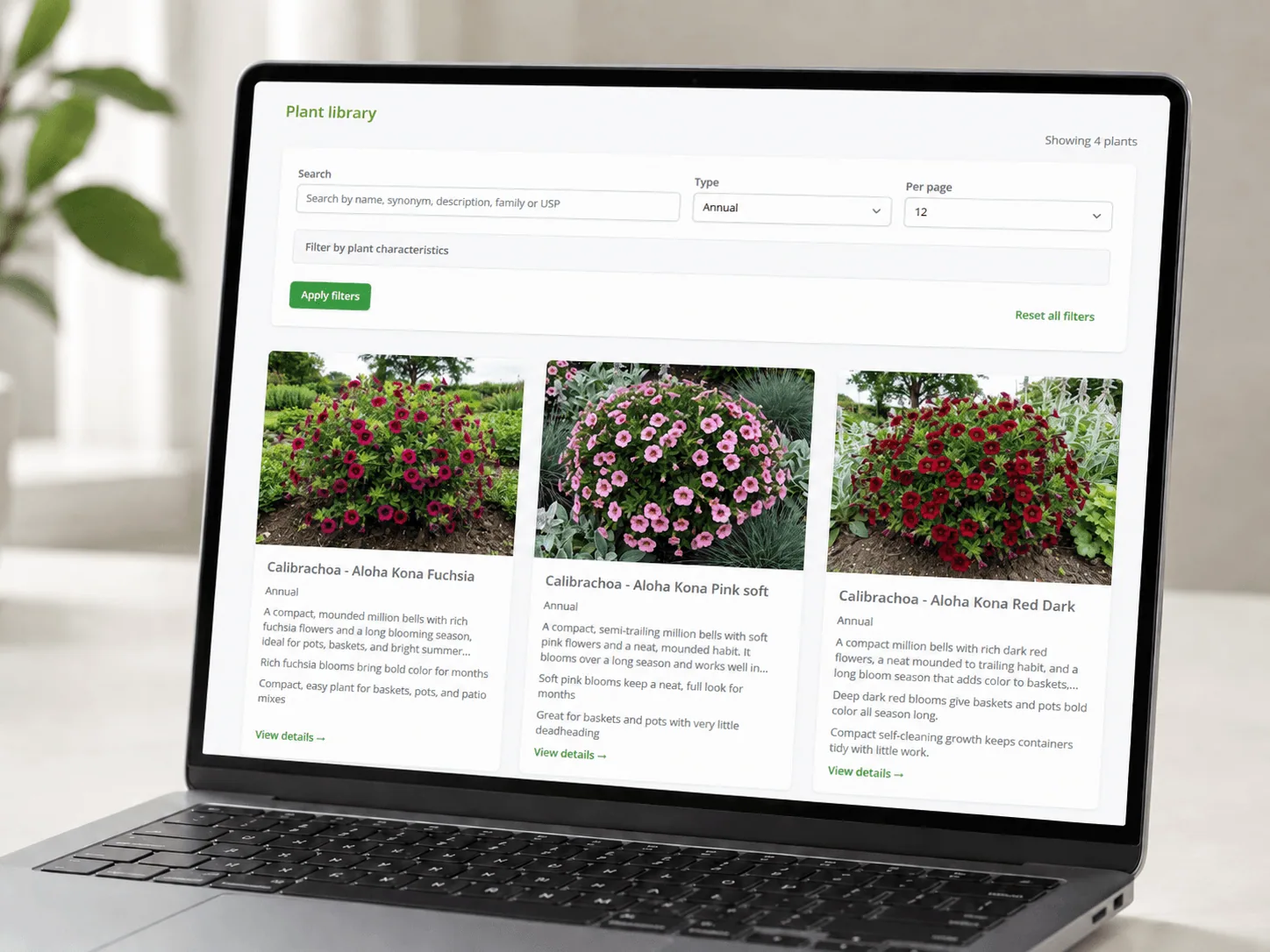
Plantfinder & webshop
By default, your QR-codes link to your own digital plant finder. But they can link to any website or webshop since you can quickly update them.
Product pages · Plant finder · Availability · Related plants · Easy updates · Webshop links
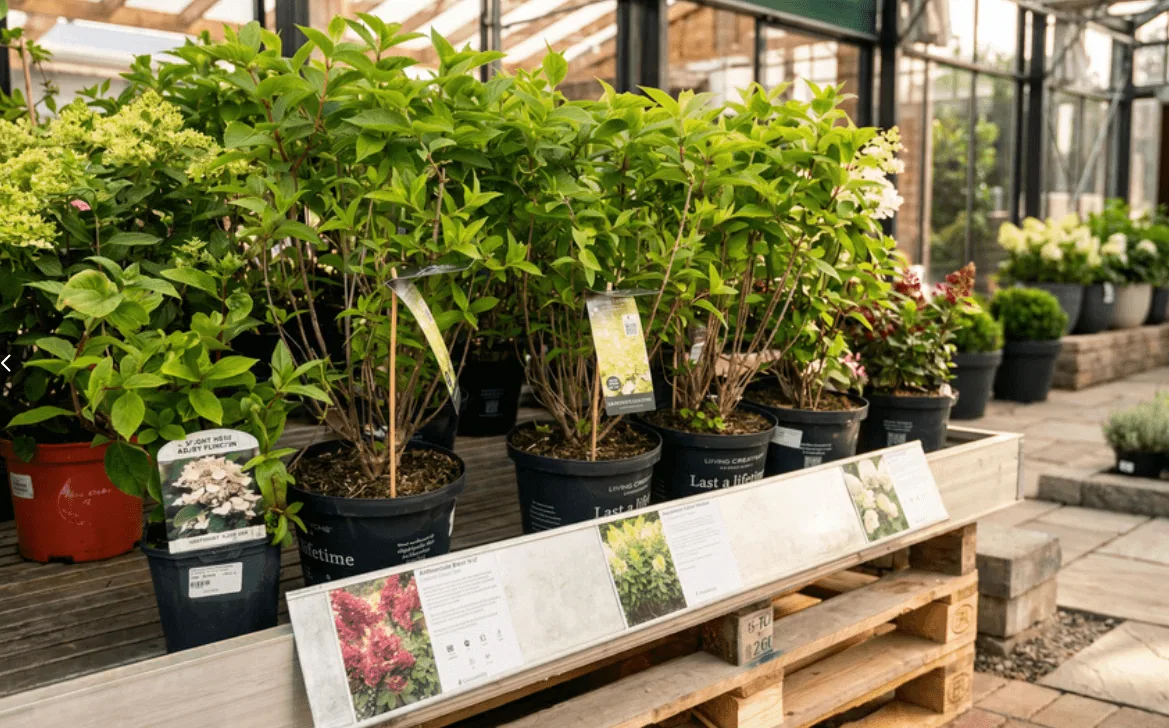
Use case: Hansaplant
Hansaplant is using the bench card designer to create cards for their outdoor plant area. Their online catalog is integrated via the API, ensuring all available plants are visible to customers, online & offline. All information is the same, relevant and up to date.
Hansaplant
Why bench cards matter
Plant shoppers often decide at the bench. Clear plant information helps customers choose with confidence and gives your team a consistent way to present every plant.
84%
did not buy a plant because the information was insufficient
71%
expect clear plant information in-store, from bench cards to QR-codes
79%
of businesses do not have complete content available for every plant
Consumer and industry survey, April 2026
Create bench cards faster, in your own style & branding
Schedule a short demo and see how Open Plant Data helps you turn plant photos and structured data into clear, consistent bench cards for your store.